



Device Setup Guide: How to Apply 4K Malfoid Wallpapers
Whether customizing your smartphone home screen or an ultra-wide desktop battlestation, our wallpapers are rendered with crisp contrast ratios and tailored color palettes:
📱 iPhone & iPad Setup
- Tap Download High-Res on your chosen vertical wallpaper.
- Open the image in the Photos app and tap the Share button.
- Select Use as Wallpaper.
- Position the image so widgets align naturally with the dark top banner.
🖥️ PC & Mac Desktop Setup
- Select a Desktop 4K (16:9) wallpaper item.
- Click Download High-Res 4K to save the full file.
- On Windows: Right-click the file and choose Set as desktop background.
- On macOS: Right-click and choose Set Desktop Picture.
Artist Attribution & Fair Use: Every wallpaper in this archive attributes the original illustrator, platform, and social handle. These images are transformative fan works created for personal desktop and mobile wallpaper customization. If you are an artist wishing to update your attribution or request removal, please visit our Contact & DMCA page.
Frequently Asked Questions
Are Malfoid wallpapers free to download?
Yes. All Malfoid wallpapers in our curated gallery are completely free to download for personal use on mobile phones, tablets, and desktop computers. Each artwork includes direct attribution and links to the original digital artists.
What resolutions and aspect ratios are available?
Our gallery provides 4K Ultra-HD (3840×2160) for 16:9 widescreen computer monitors, 2160×3840 and 1440×3200 (QHD+) vertical lockscreens for 9:16 mobile displays (optimized for iPhone 16/15/14 and Samsung Galaxy OLED screens), as well as 3:4 high-density iPad and tablet resolutions.
How do I set a Malfoid lockscreen wallpaper on iPhone or Android?
Click the 'Download High-Res 4K' button on any wallpaper. On iPhone (iOS), open the downloaded image in your Photos app, tap the Share icon, select 'Use as Wallpaper', adjust the perspective crop, and tap 'Set'. On Android, open the image in Google Photos or your Gallery, tap the three dots menu, select 'Use as' or 'Set as wallpaper', and choose 'Lock Screen'.
Why are Malfoid wallpapers popular for OLED screens?
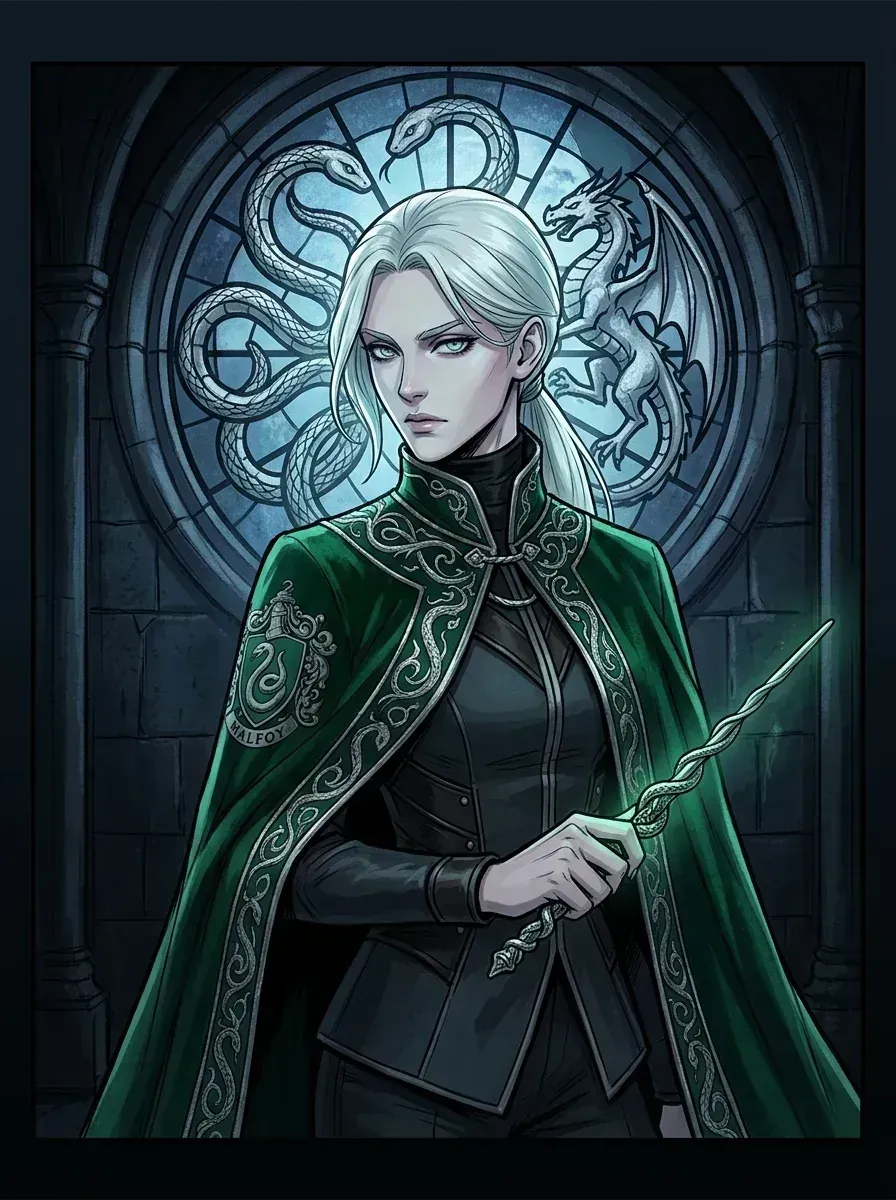
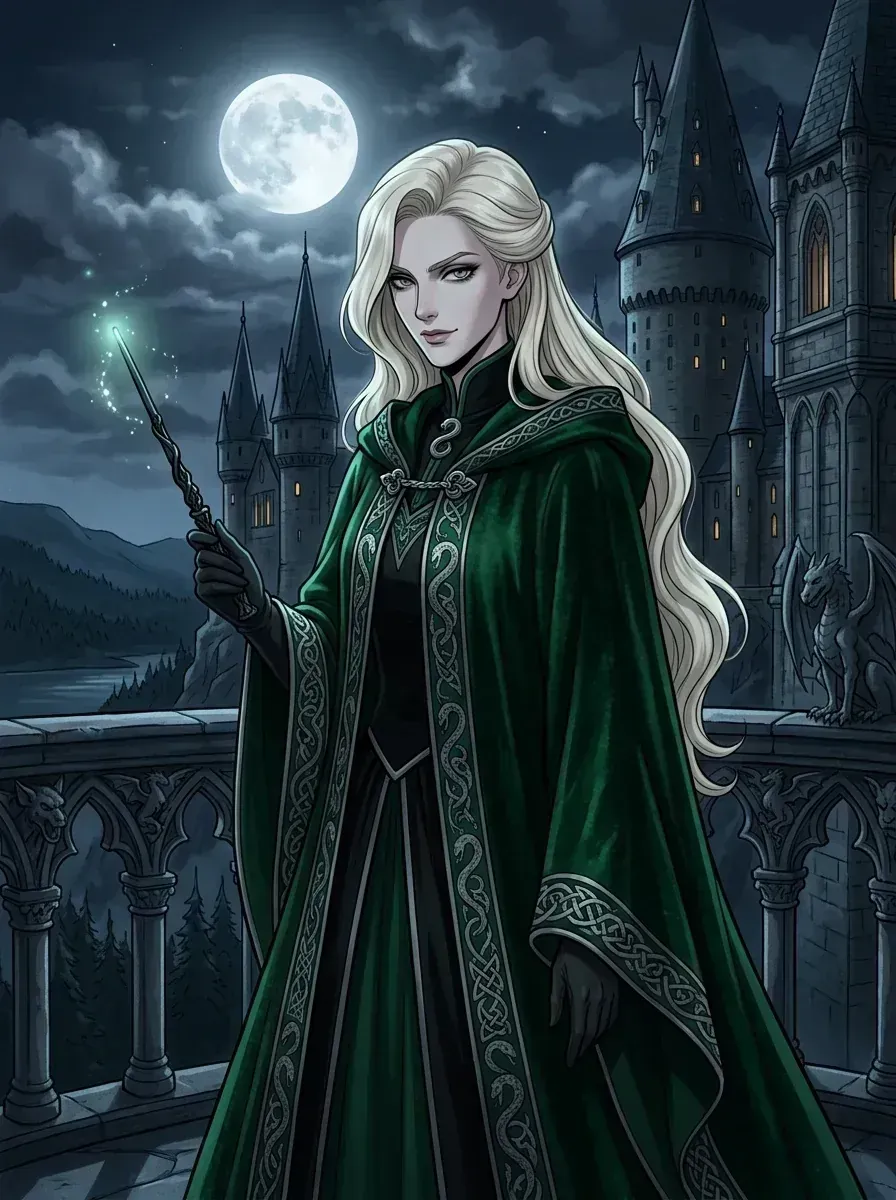
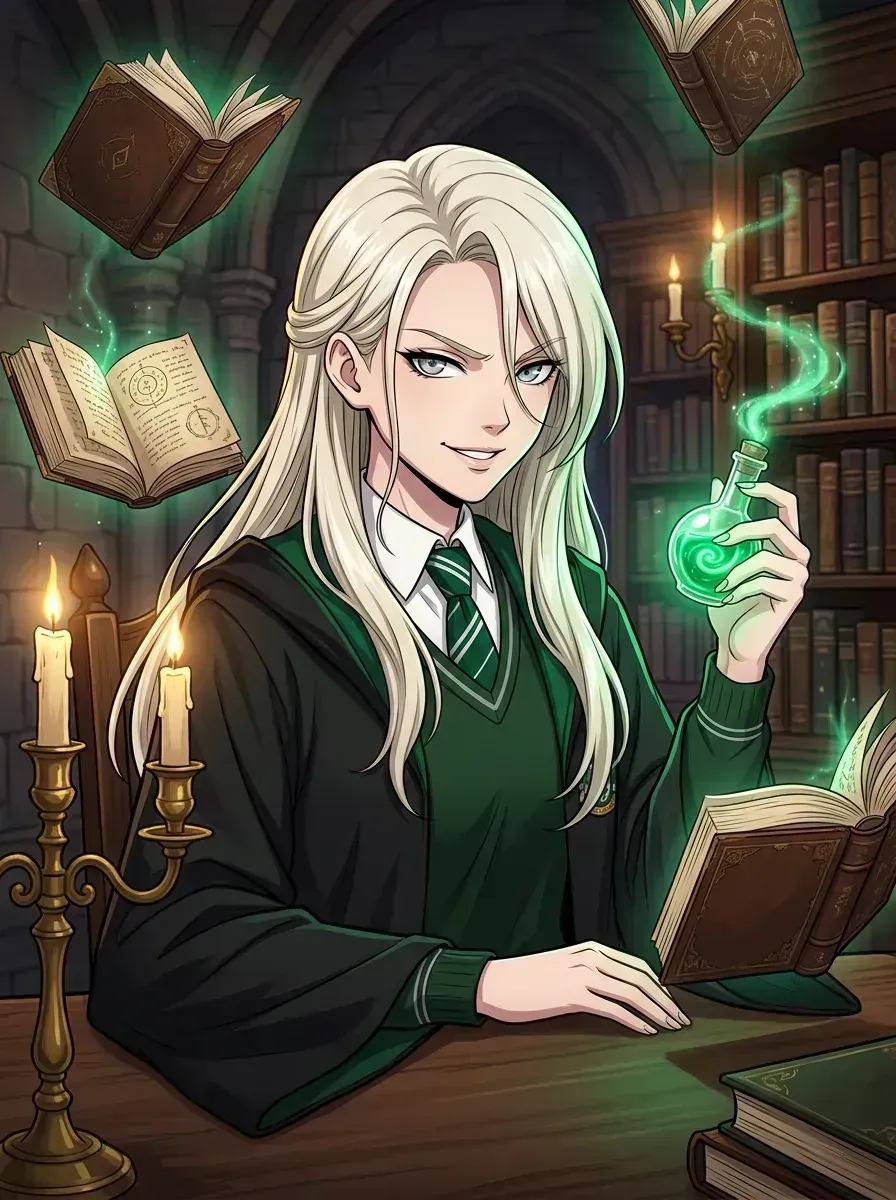
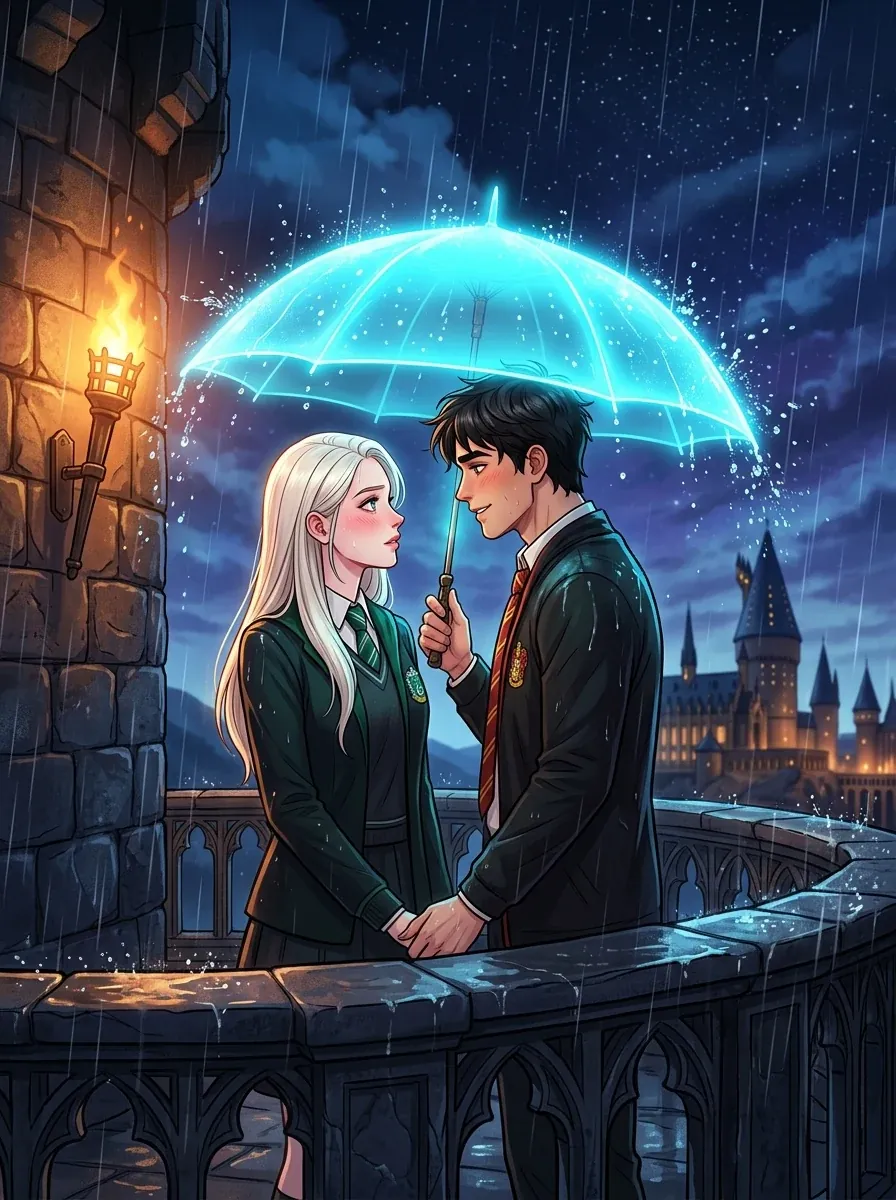
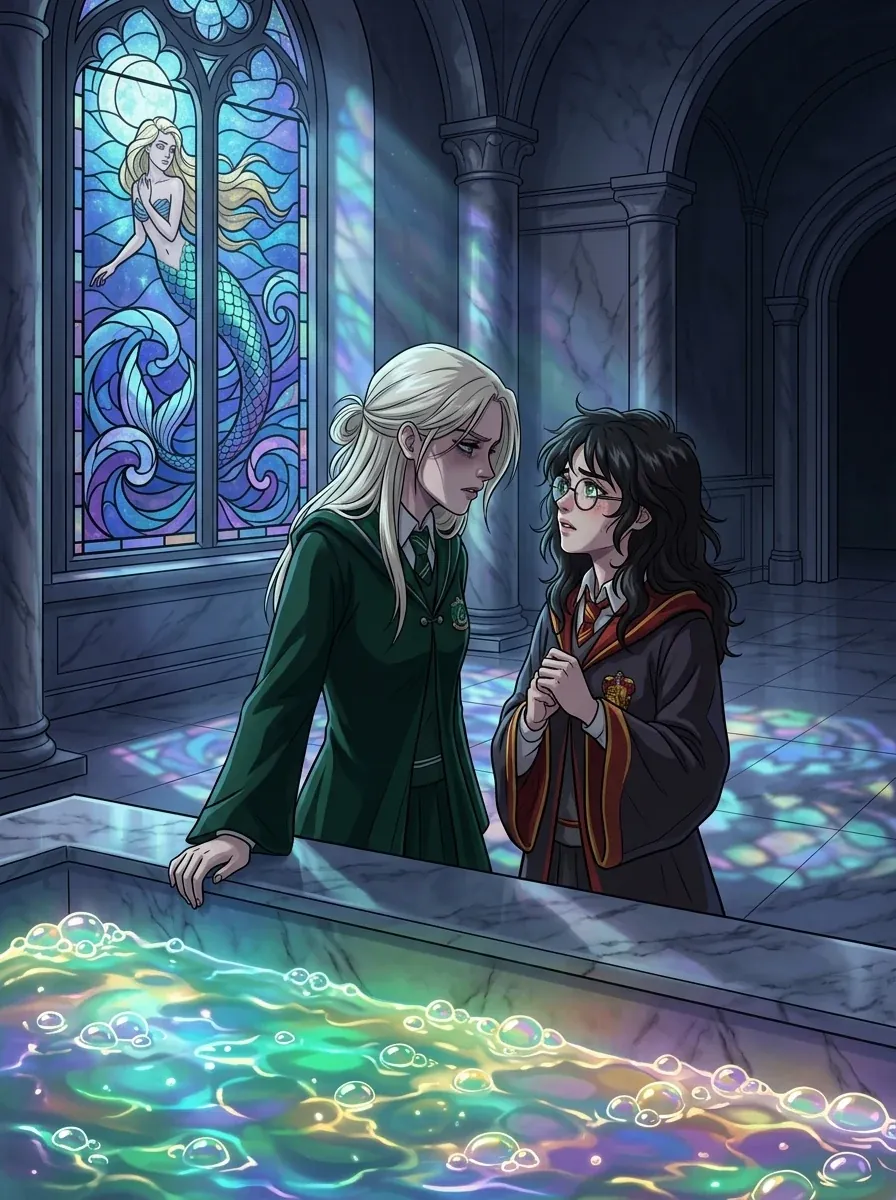
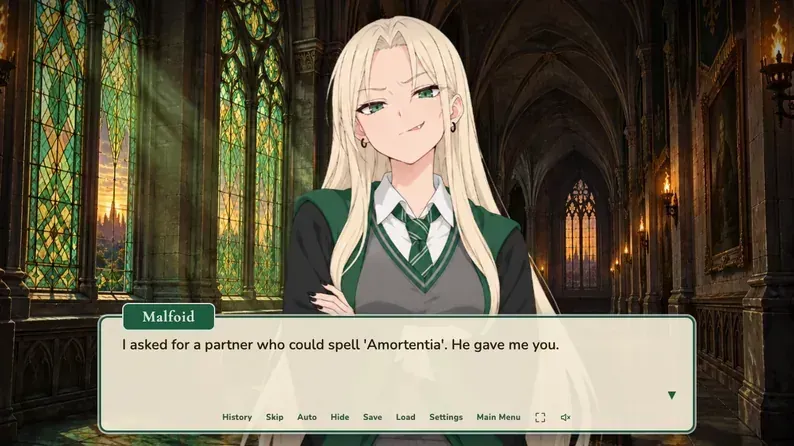
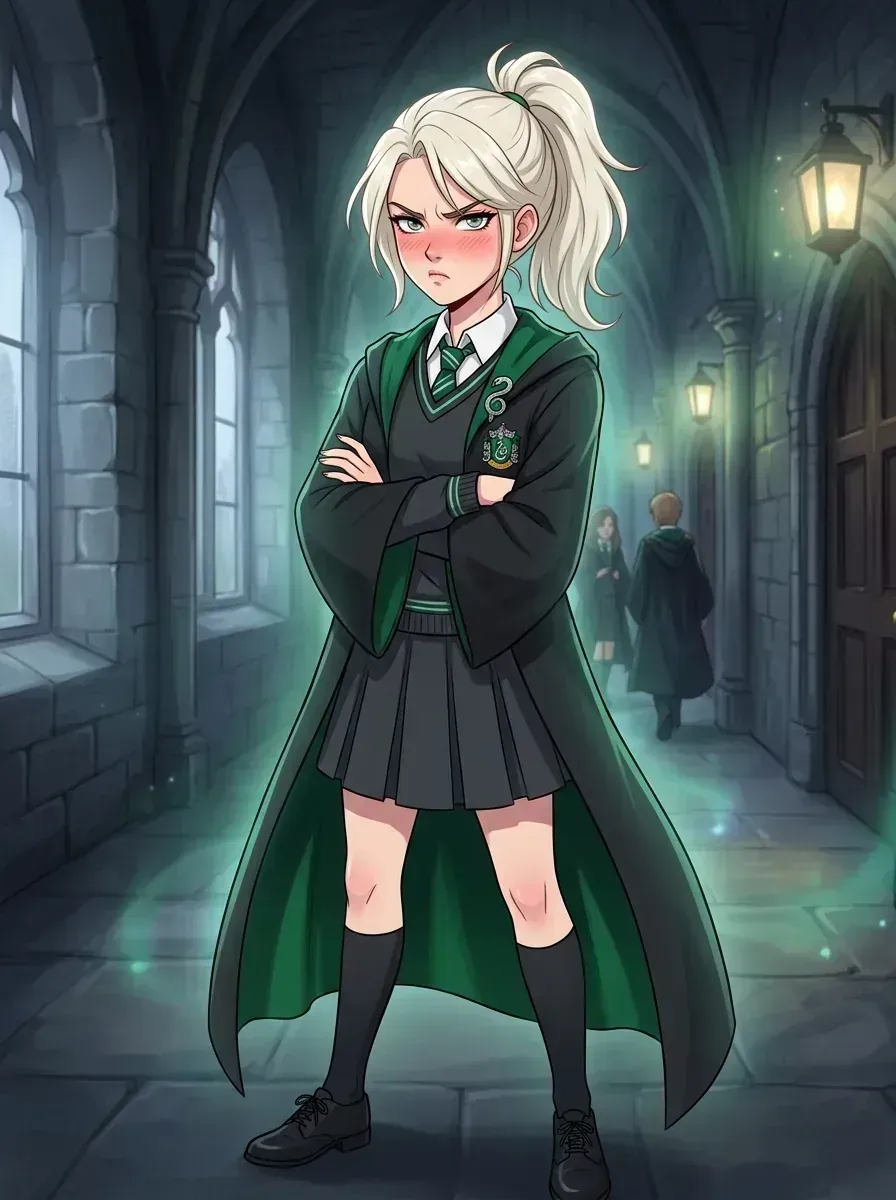
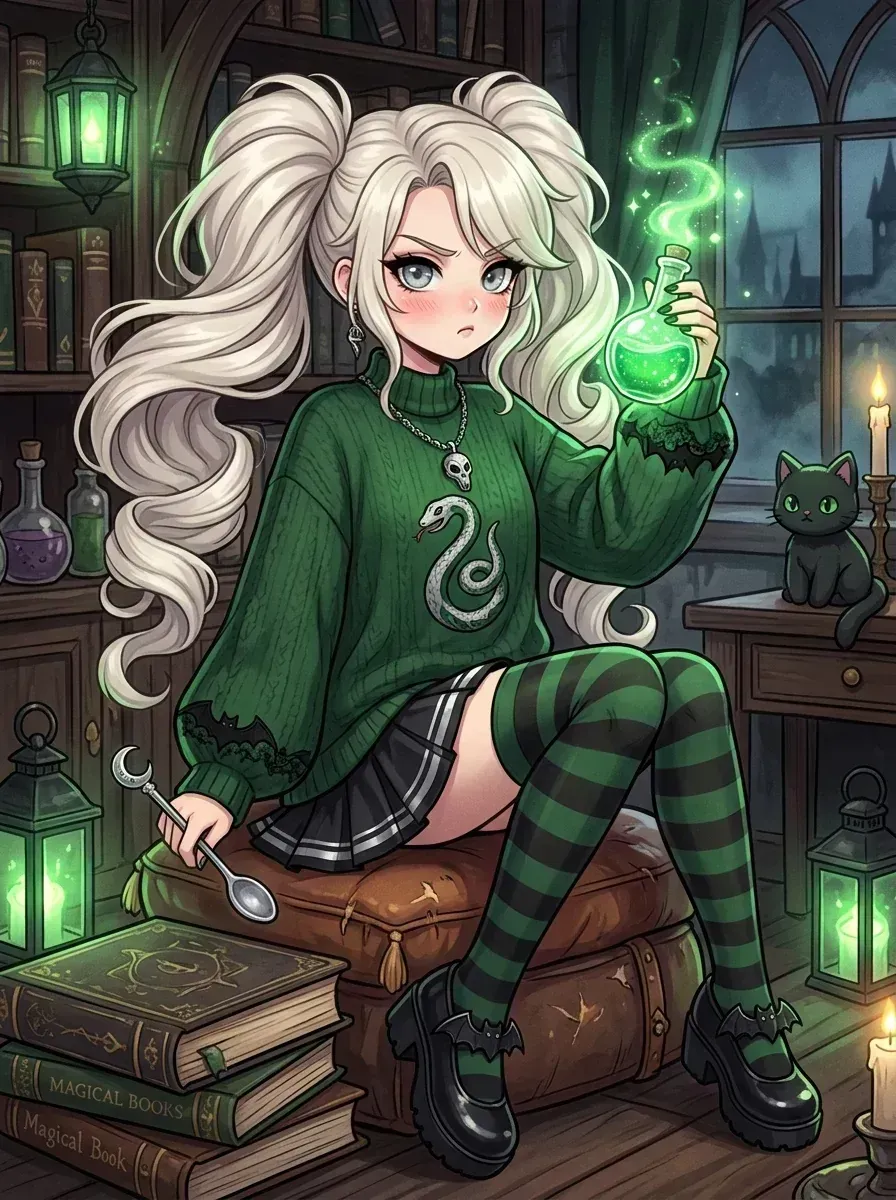
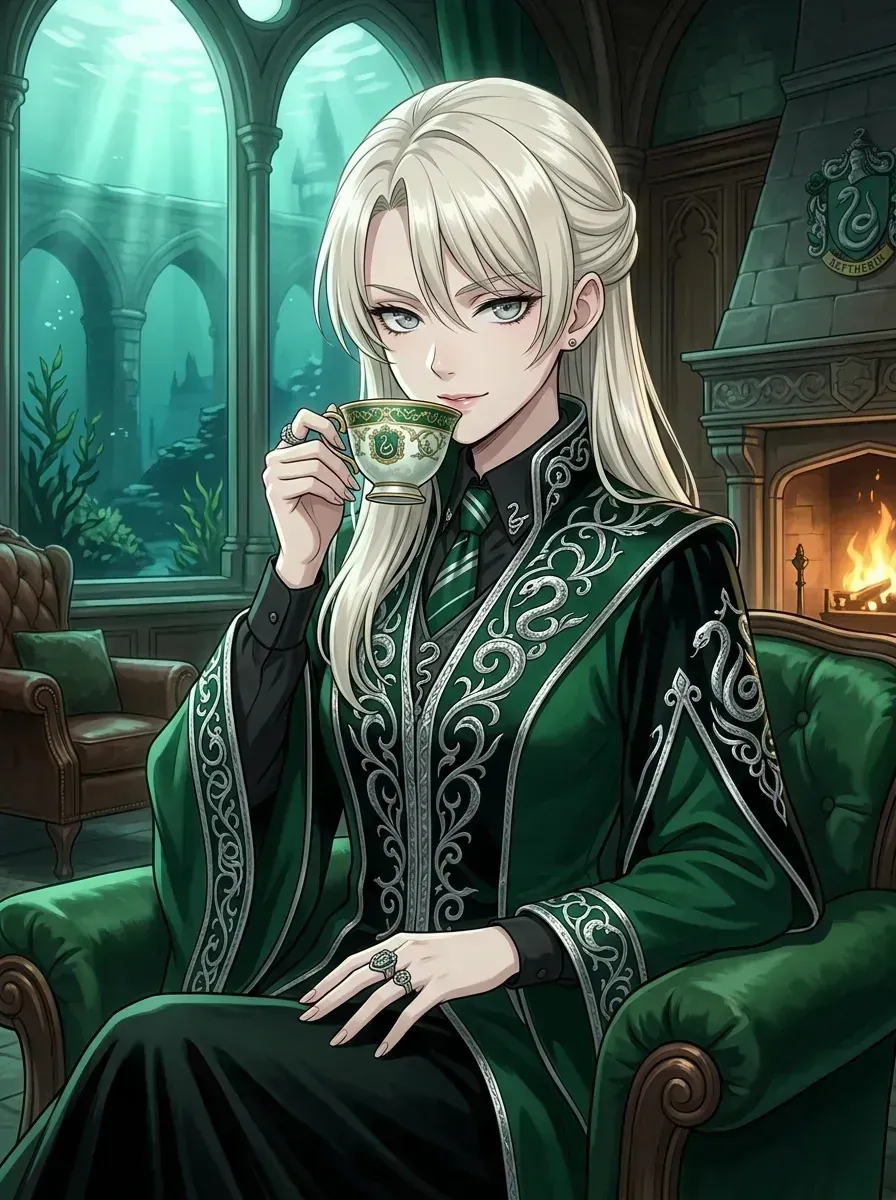
Many Malfoid illustrations—particularly otome villainess and Slytherin dungeon themes—feature true black backgrounds, deep emerald green accents, and glowing cyan spell lighting. On OLED and AMOLED smartphone displays, pure black pixels turn completely off, saving battery power while producing stunning contrast and neon highlights.
Are these official Harry Potter wallpapers?
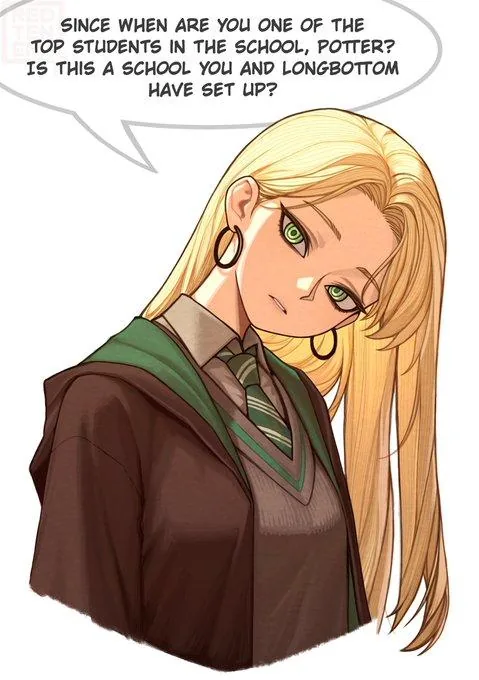
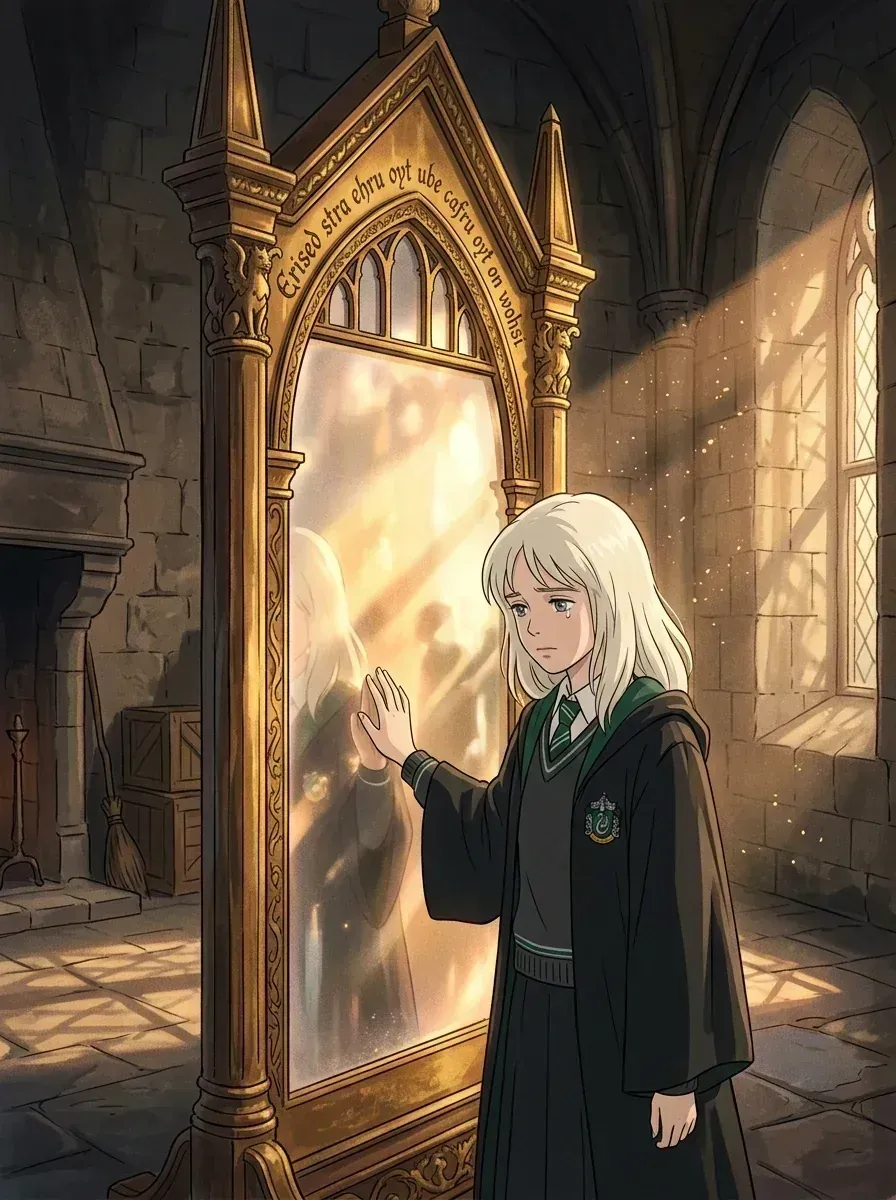
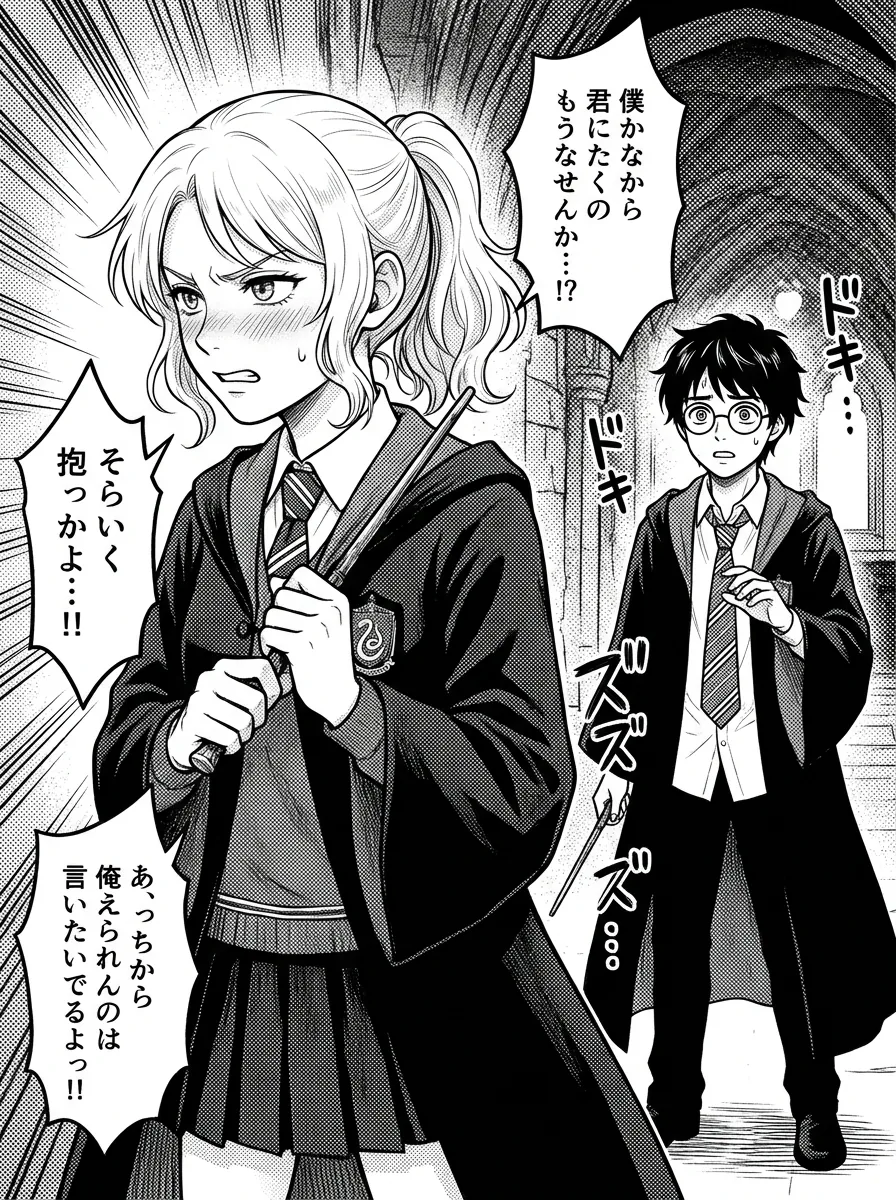
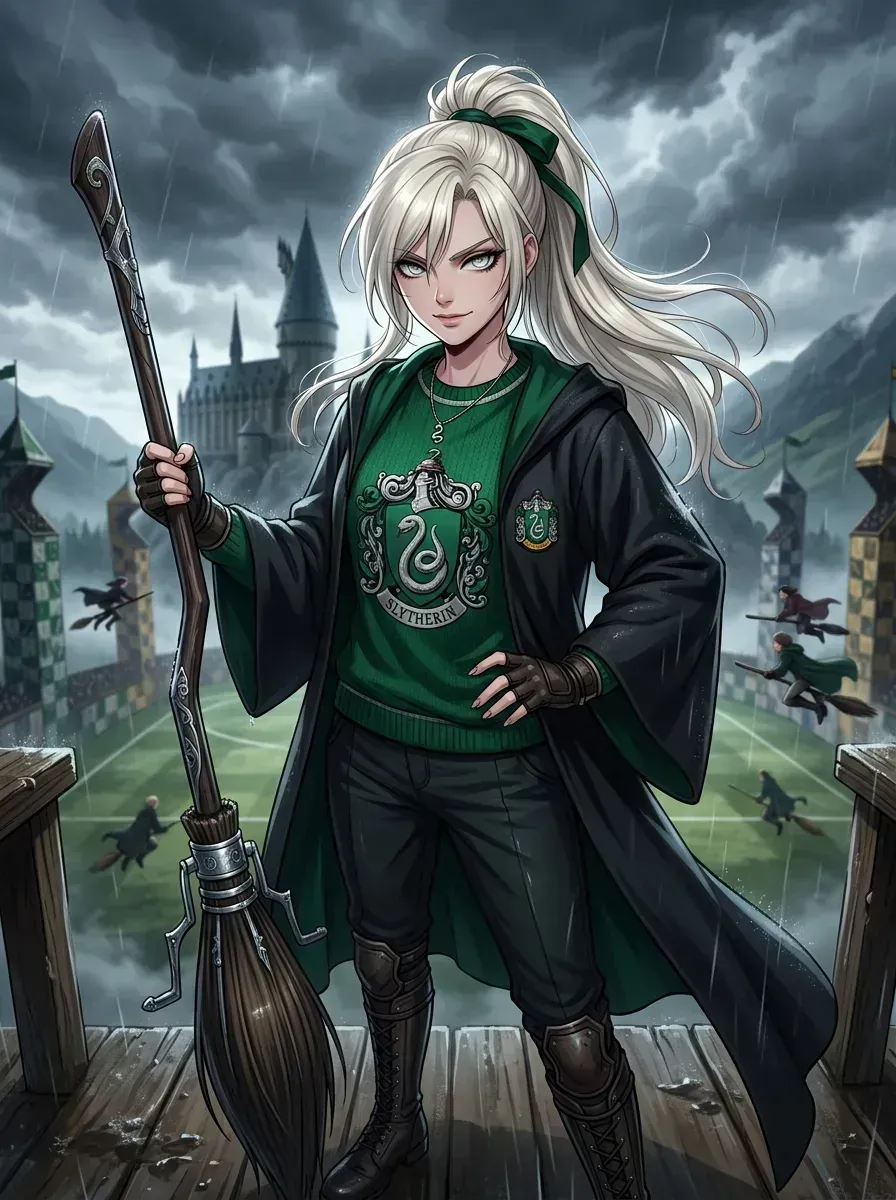
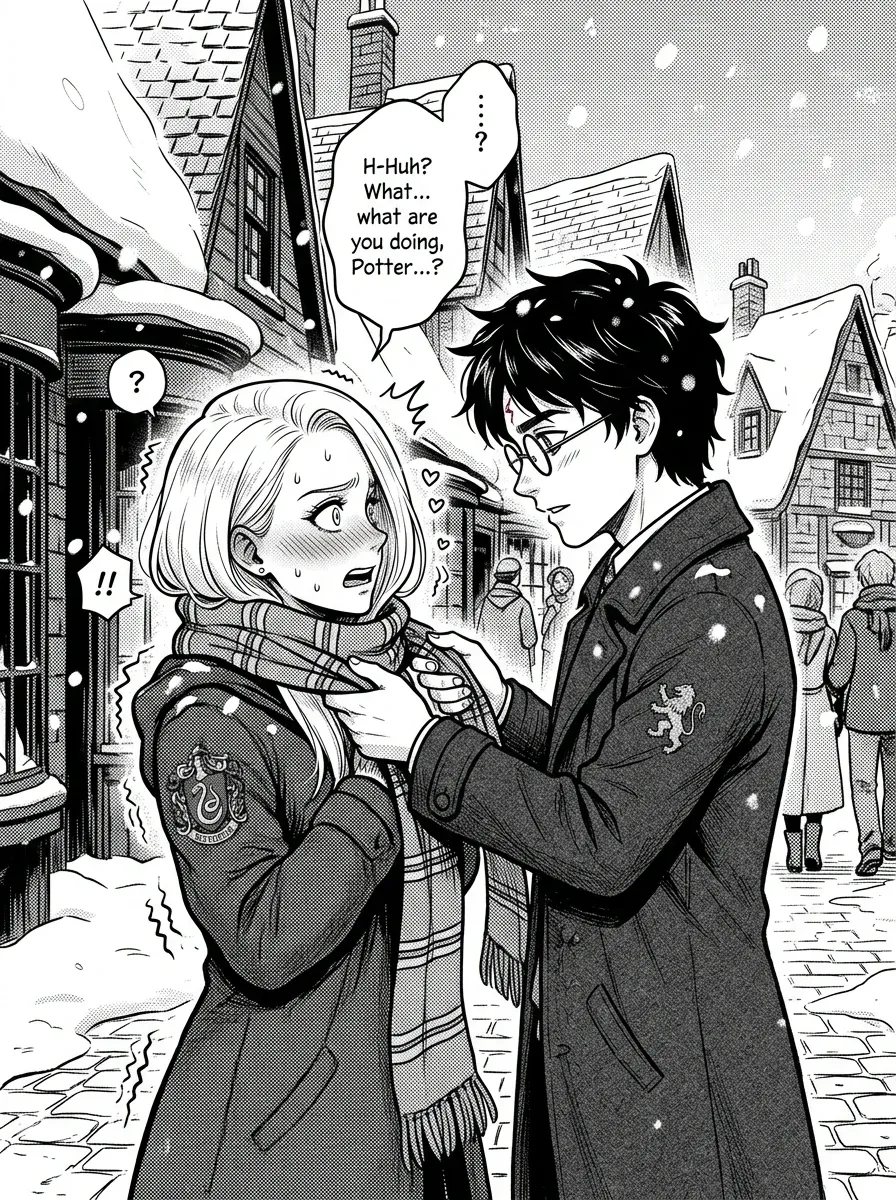
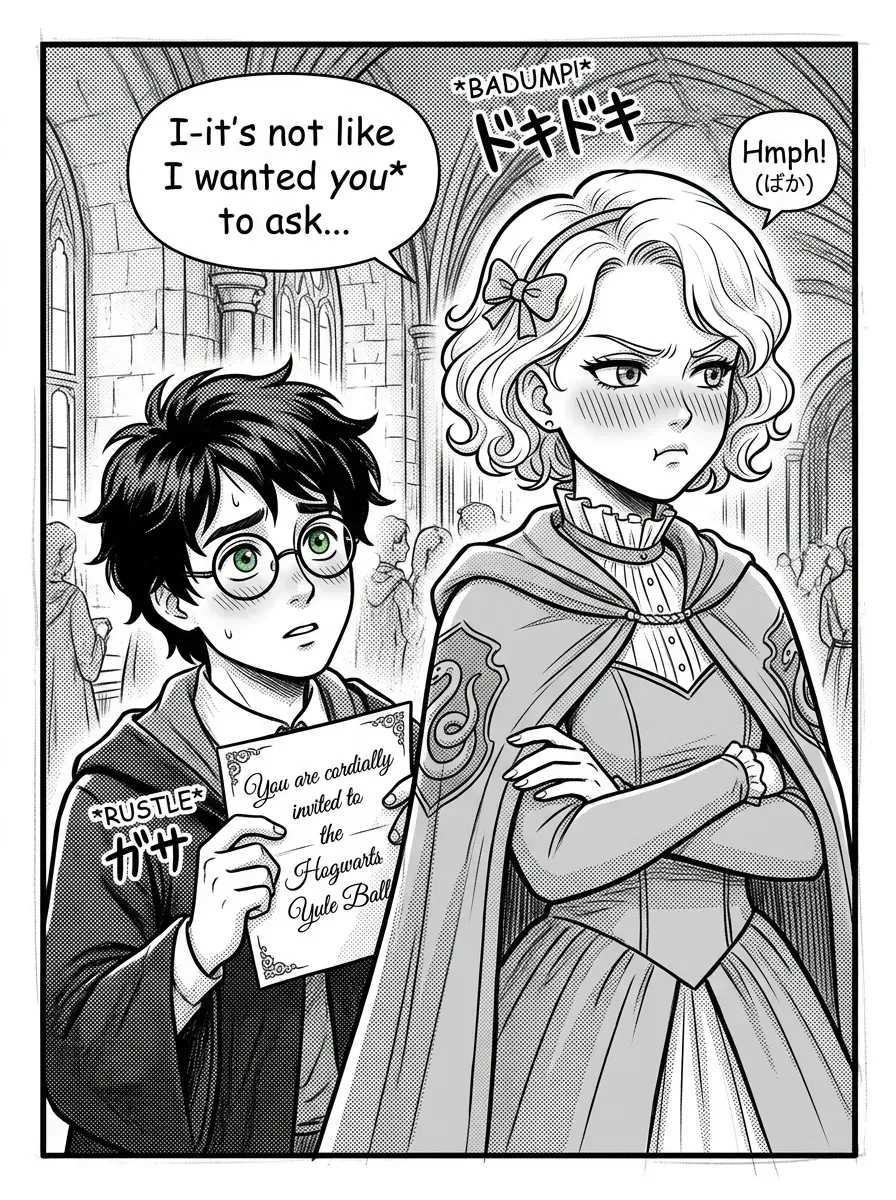
No. Malfoid wallpapers are fan-created, transformative parodies celebrating the viral Rule 63 female Draco Malfoy meme. They are not official products of J.K. Rowling, Warner Bros. Entertainment, or the Harry Potter franchise.